Moving to Blended Learning Part 1: Terminology and Concepts
In the first in a series of weekly videos Associate Vice-Dean Steve Pettifer discusses the various terms and concepts associated with Blended Learning.

In the first in a series of weekly videos Associate Vice-Dean Steve Pettifer discusses the various terms and concepts associated with Blended Learning.
This video features Associate Vice-Dean Steve Pettifer and Faculty Lead for Pedagogy James Brooks discuss the different types of video format you might want to consider when moving to Blended Learning.
A guide to storyboarding for video projects, including links to templates.
This article covers the benefits of using video in teaching and showcases videos previously produced by the eLearning team.
Microsoft 365 (MS365) combines all the familiar Office applications alongside newer apps such as Microsoft Sway. This page provides some benefits and examples of using MS365 apps in your teaching and learning activities.
The FSE Teaching & Learning Enhancement Leads, Library student interns and James Brooks, Academic Lead for Pedagogy, have put together this guidance for all students in the faculty on how to study effectively.
Guidance and examples of good practice for synchronous session planning as part of Blended Learning.
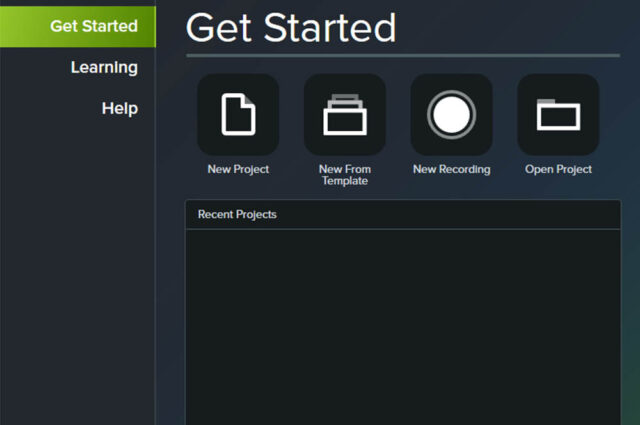
Camtasia is a screen recording tool and video editing software programme. Find out more about what Camtasia can do including links to tutorials.
Dr Therese Lawlor-Wright discusses how a project in the School of MACE moved to e-Assessment.
What to consider when setting up online assignments.