Quick Guide to Screencasting – Powerpoint
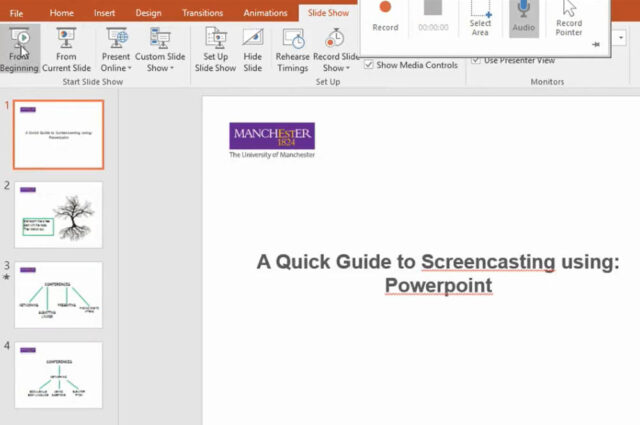
Powerpoint has a screen recording tool that allows you to capture your screen and audio to create your online blended learning materials. This webpage details how you can do this.

Powerpoint has a screen recording tool that allows you to capture your screen and audio to create your online blended learning materials. This webpage details how you can do this.
Microsoft Sway is an online authoring platform that can be used to produce web friendly content such as newsletters or presentations. The webpage gives and overview of the benefits of using Sway.
A list of short courses that will help you adapt your teaching methods for online delivery.
The eLearning team have worked with a number of academic colleagues to develop some Interactive Learning Applications. This webpage details some of these projects and explores the potential for using these applications in your teaching.
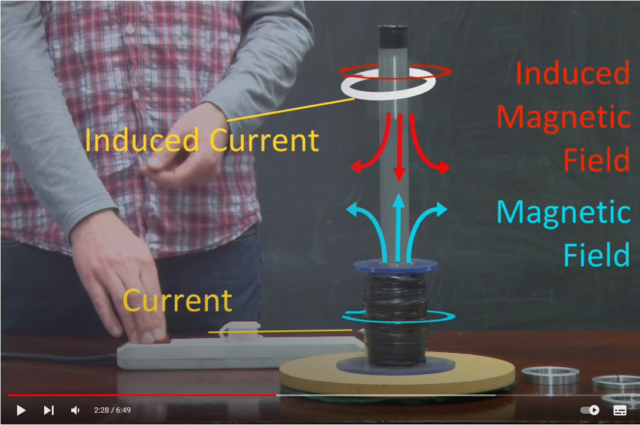
Visualisations such as annotated videos and animations can be used to explain complex scientific principles and help students understand abstract concepts and cement the learning. The eLearning Team can help produce high quality visualisations and animations.
Resources to support publishing your own research into your teaching or finding out more about pedagogical research in your discipline.
Resources to support the design of effective assessment.
The recommended mobile app for scanning and submitting hand-drawn work is Adobe Scan. If a student’s device does not support Adobe Scan, we have suggested some alternatives they can try.
Guidance on digital aspects of blended learning.
Students are accustomed to normal behaviours when studying in a physical classroom but may not be accustomed to suitable behaviours when learning online. They will need clear and concise guidelines for behaviours and activities. Additionally interacting online can quickly become a full-time endeavour. It’s important to set expectations amongst students of what your role involves at the outset, to avoid unrealistic expectations leading to reduced satisfaction.