Twitter: A font of knowledge or the ultimate distraction
A post about Twitter, written by Fiona C Saunders, Lecturer in Project Management at The University of Manchester

A post about Twitter, written by Fiona C Saunders, Lecturer in Project Management at The University of Manchester
This webpage details a list of resources and processes you can use to produce high quality screencast videos.
VoiceThread can be used to capture your screen and audio to create online blended learning materials. This webpage details how you can do this.
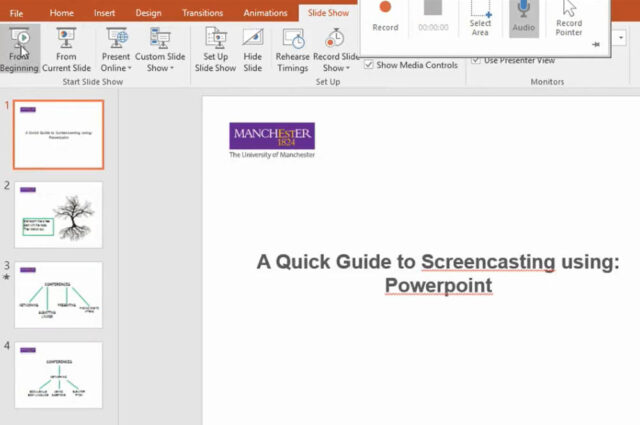
Powerpoint has a screen recording tool that allows you to capture your screen and audio to create your online blended learning materials. This webpage details how you can do this.
Microsoft Sway is an online authoring platform that can be used to produce web friendly content such as newsletters or presentations. The webpage gives and overview of the benefits of using Sway.
The recommended mobile app for scanning and submitting hand-drawn work is Adobe Scan. If a student’s device does not support Adobe Scan, we have suggested some alternatives they can try.
There is an ever-increasing range of digital tools at your disposal to deliver and enhance your Teaching; here is a summary of the tools we support.